|
|
|
|
LabVIEW 2026 Q3 Research Installation Instructions |
|
|
|
|
|
|
|
|
|
|
|
|
|
|
|
Due to firewall restrictions, particularly on off-campus and wireless connections, you will need to connect to your campus VPN service before installing and to use this software. |
|
|
|
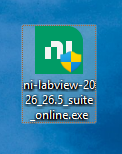
1. Download the 32-64 bit Web Installer for Labview 2026 Q3. Double click the .exe file that you downloaded from the Webstore. |
|
|
|
|
|
|
|
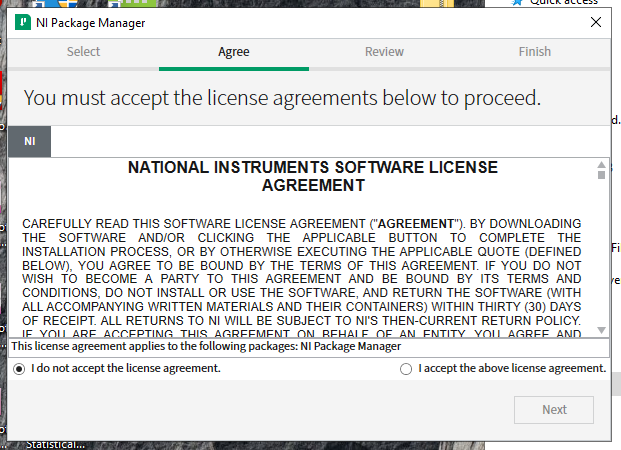
2. Accept the NI license agreement and click next. |
|
|
|
|
|
|
|
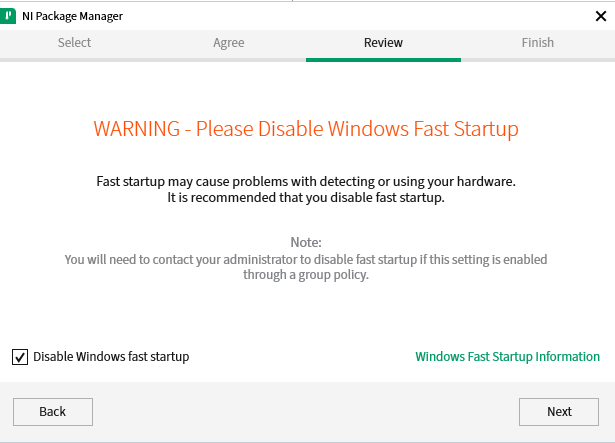
3. You may be asked to disable Fast Startup for Windows. Check the box to disable. Click Next. |
|
|
|
|
|
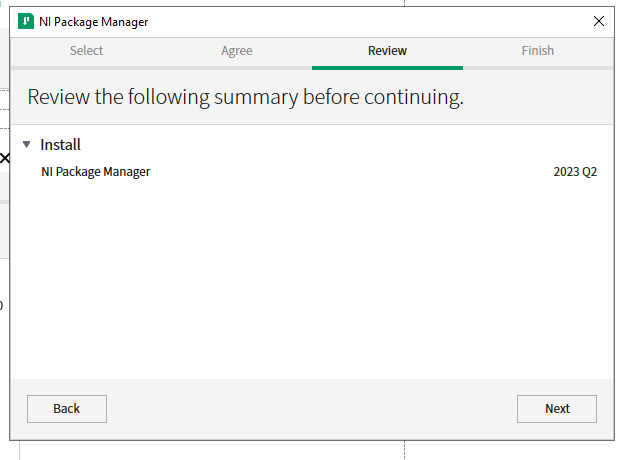
4. Click next. |
|
|
|
|
|
|
|
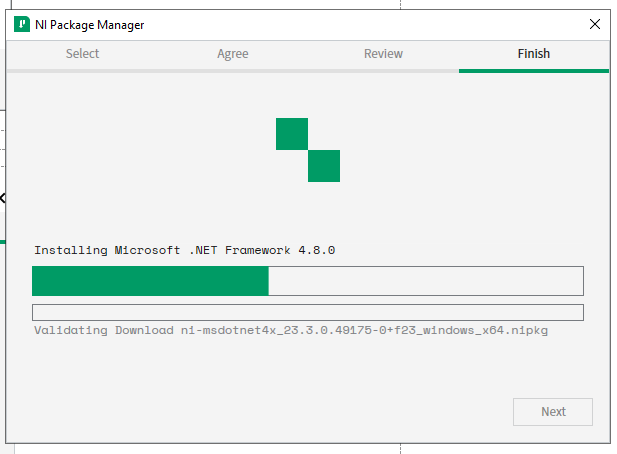
5. NI Package Manager will now install itself. |
|
|
|
|
|
|
|
6. Once Package Manager is installed, it will install the desired software bundle. |
|
|
|
|
|
|
|
|
|
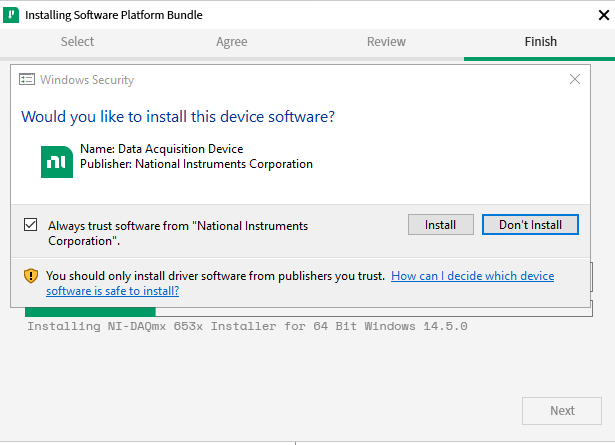
7. Windows Security may want you to verify that you want to install this device software. Click Install. |
|
|
|
|
|
|
|
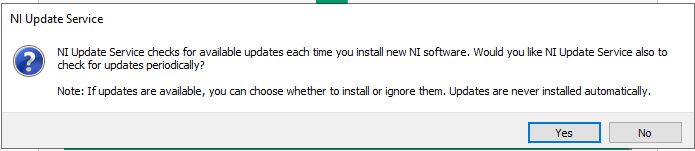
8. Decide if you want to enable the NI Update Service. |
|
|
|
|
|
|
|
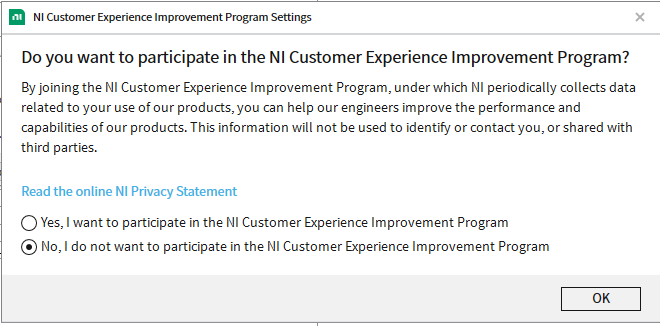
9. Decide if you want to participate in the NI Customer Experience Program. |
|
|
|
|
|
|
|
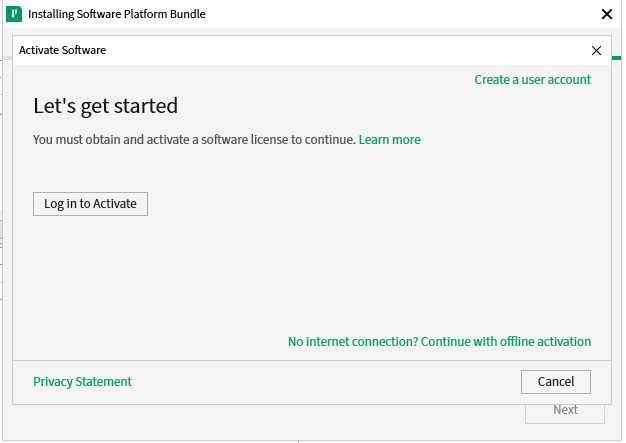
10. After the installation is finished, you will be prompted to login to activate. Click the button to Log in. |
|
|
|
|
|
|
|
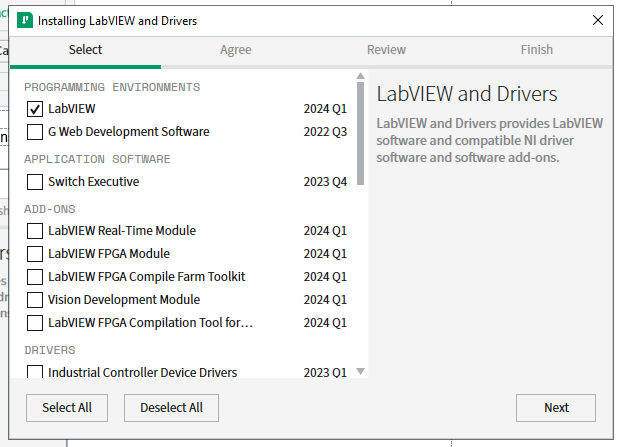
11. Choose the Programming Environments, Add-Ons, and Drivers you wish to install. The default selection is already set. Click Next. |
|
|
|
|
|
|
|
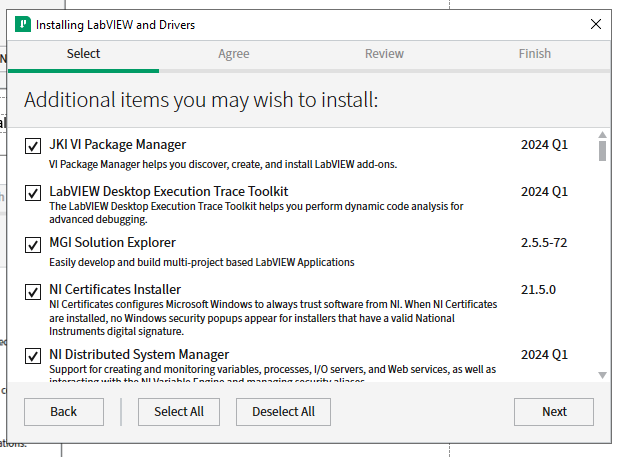
12. Select any additional software items for the Package Manager to install. They are all selected by default. Click Next. |
|
|
|
|
|
|
|
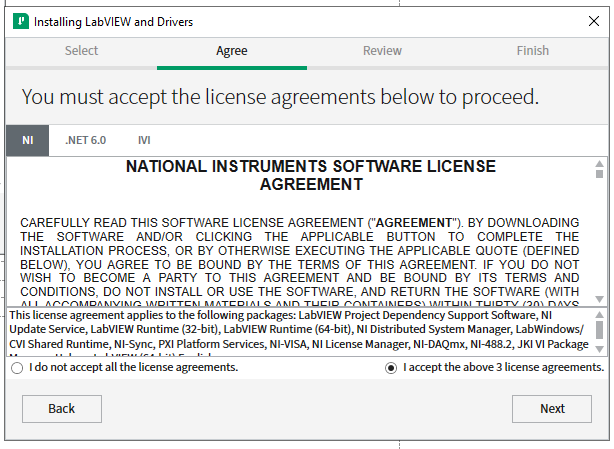
13. Agree to the EULA. Click Next. |
|
|
|
|
|
|
|
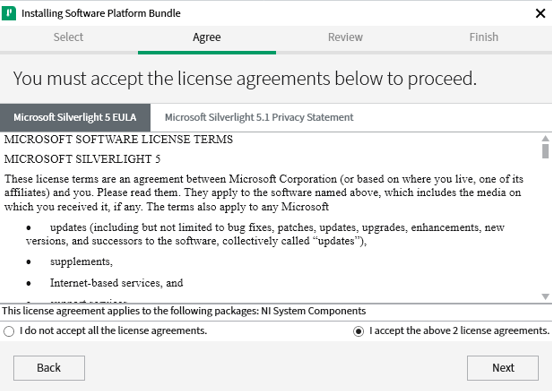
14. If Silverlight is needed, LabVIEW will install it. You will also need to accept the Microsoft EULAs. Click Next. |
|
|
|
|
|
|
|
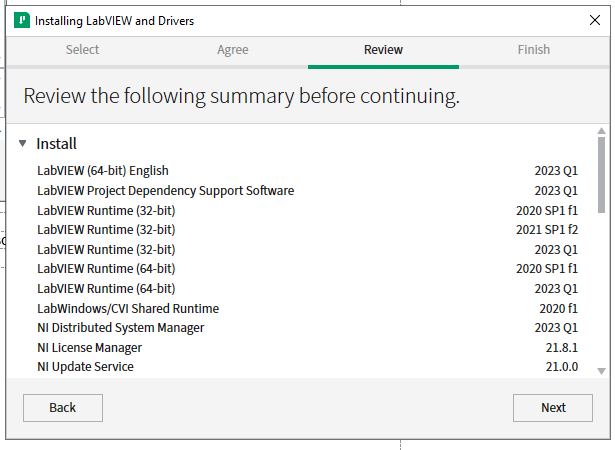
15. Review your total install selections. Click Next to continue. |
|
|
|
|
|
|
|
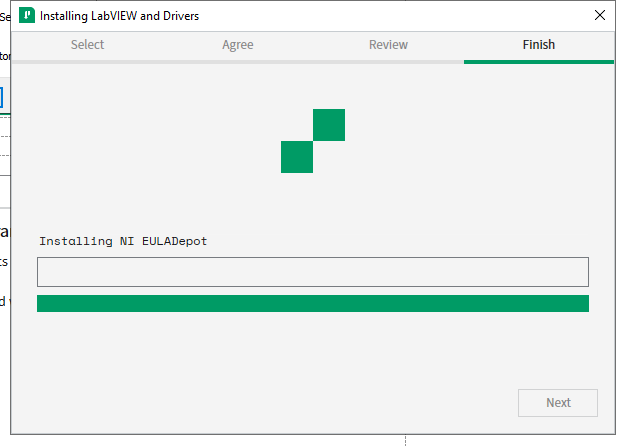
16. The installation will begin and take several minutes. |
|
|
|
|
|
|
|
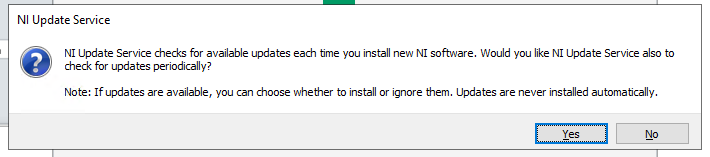
17. Enable the NI Update Service. Click Yes. |
|
|
|
|
|
|
|
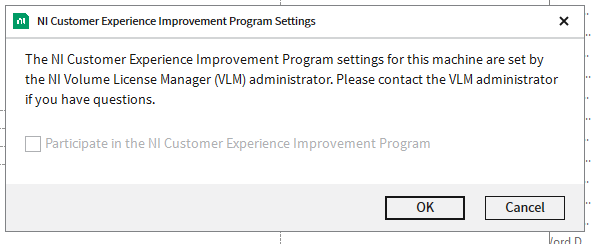
18. You will be notified about the NI Customer Experience Improvement Program. Click OK. |
|
|
|
|
|
|
|
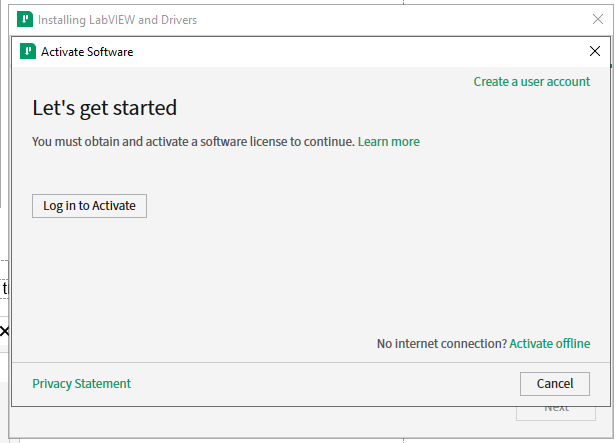
19. Do not create an account or login to activate. The software will not activate in this manner. Click CANCEL |
|
|
|
|
|
|
|
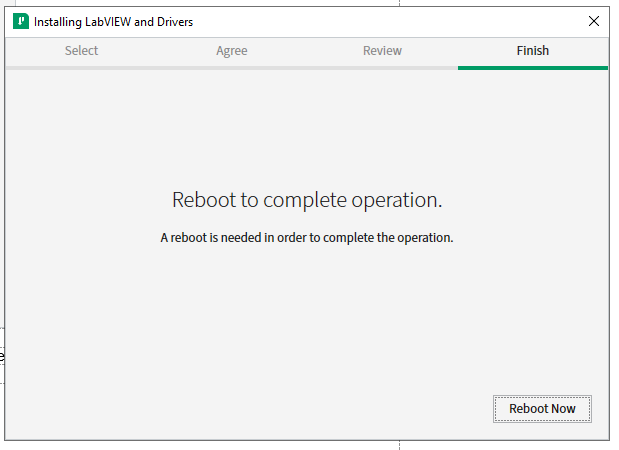
20. Click Reboot now. |
|
|
|
|
|
|
|
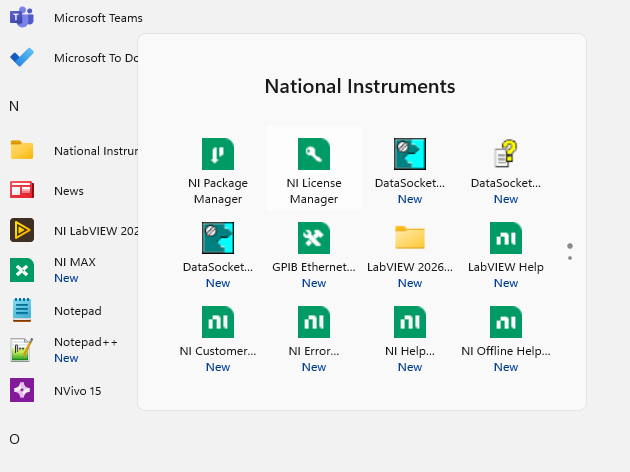
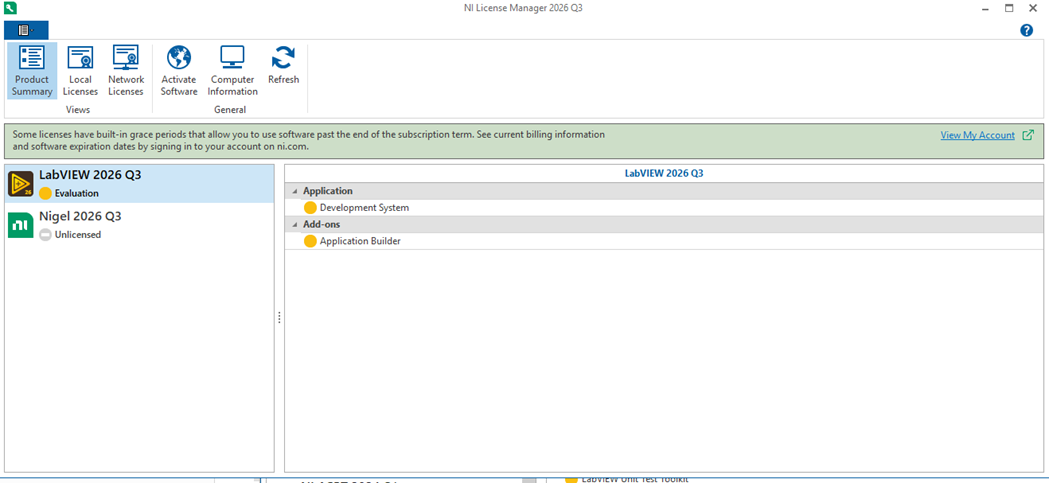
21. Open the start menu, click National Instruments to expand the selection. Find and open the NI License Manager. |
|
|
|
|
|
|
|
|
|
|
|
|
|
|
|
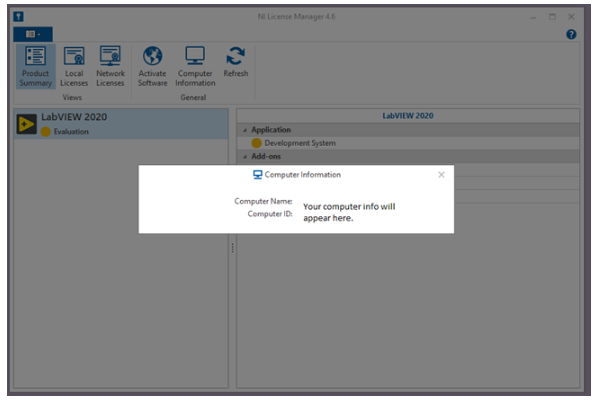
22. Click on Computer Information. (This information is needed on the form you will send to WebStore to obtain the license file.) To locate the license request form, log into WebStore.illinois.edu, click on Order History on the left menu. Find this order on your list and open it. The information is in the section below the download links. We will email you the license file to use in the next step. |
|
|
|
|
|
|
|
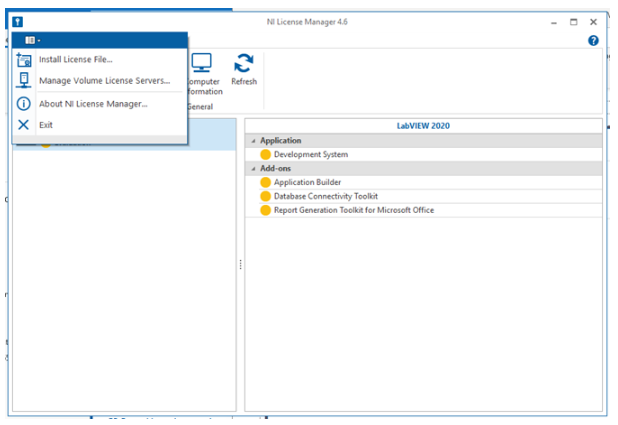
23. Select Install License File from the menu just and then browse to the location of the license file that WebStore provided you. |
|
|
|
|
|
|
|
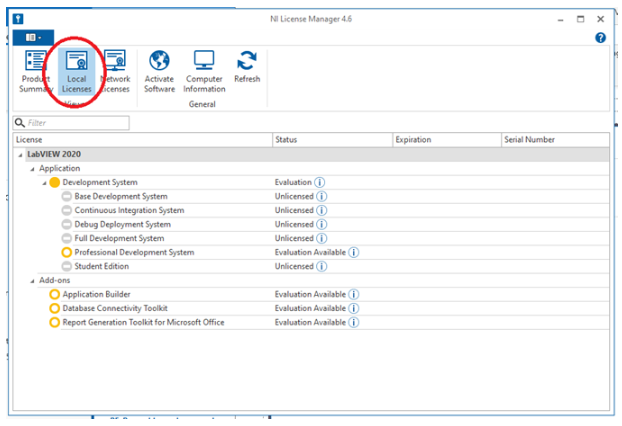
24. This license information will appear under local license files. (What you see here is an example of when no local license file is installed.) |
|
|
|
|
|
|
|
You are now ready to use LabVIEW Research for Windows. Remember that if you are off-campus or using wireless you must use the VPN to access the campus network. |
|
|
|
|
|
|
|
|
|
|
|
|
|
|
|
|
|
|
|
|
|
|
|
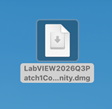
Double click the dmg file you downloaded from the WebStore. LabVIEW currently only supports the Community version. Nigel AI is NOT available for Mac. |
|
|
|
|
|
|
|
|
|
|
|
|
|
|
|
|
|
|
|
|
|
|
|
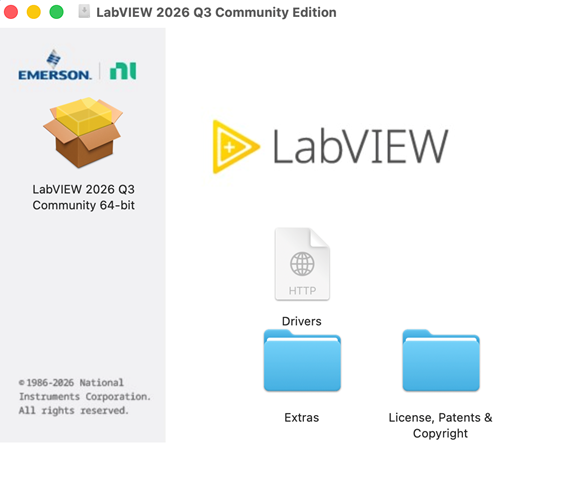
The dmg will open a window with the contents. Click on the .pkg icon to start. |
|
|
|
|
|
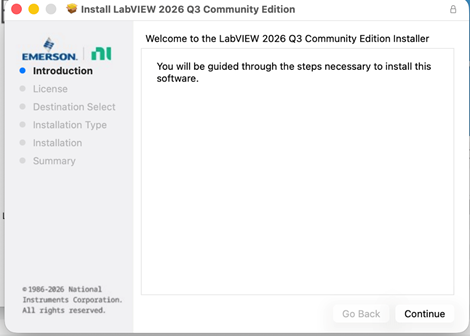
The Installation Wizard will open. Click continue to begin.
|
|
|
|
|
|
|
|
|
|
|
|
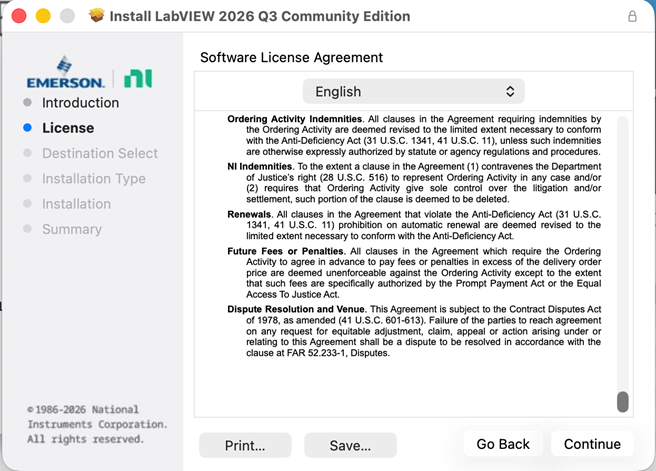
Agree to the EULA and continue. |
|
|
|
|
|
|
|
Click on Agree to accept the terms. |
|
|
|
|
|
|
|
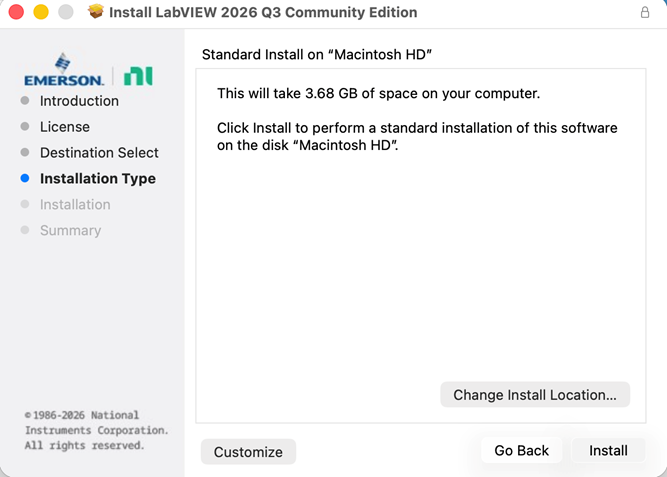
In the next window, accept or change the install location and proceed with the install. |
|
|
|
|
|
|
|
You will have to enter your Mac user password to authorize the installation. Wait for the installation to finish. |
|
|
|
|
|
|
|
|
|
|
|
|
|
|
|
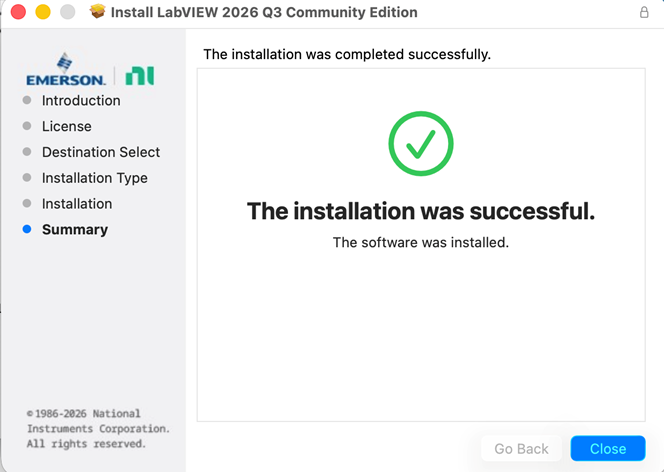
Click close to finish the installation. |
|
|
|
|
|
|
|
You will find the software listed in Applications, National Instruments folder. You are now ready to use LabView. Community version is a free distribution but requires an NI account. On first launch follow the prompts and create an NI account to use LabVIEW Community. |
|
|
|
|
|
|
|
|